For organisations
Every drone your organisation is flying, on one screen
Built for search and rescue and response teams. Every crew's feed runs live side by side on one wall, and if one of them freezes the wall tells you instead of leaving it sitting there marked live.
Up to 100 drones per organisation, shared across every pilot on your team.
Control centre
Peak District Search & Rescue
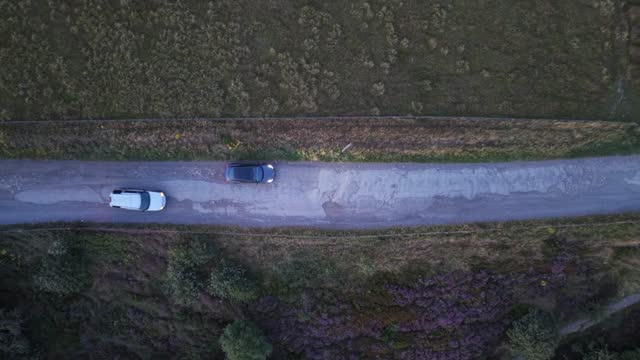 live
1:10:30
live
1:10:30
Hawk 01
live4.1 Mbit/s
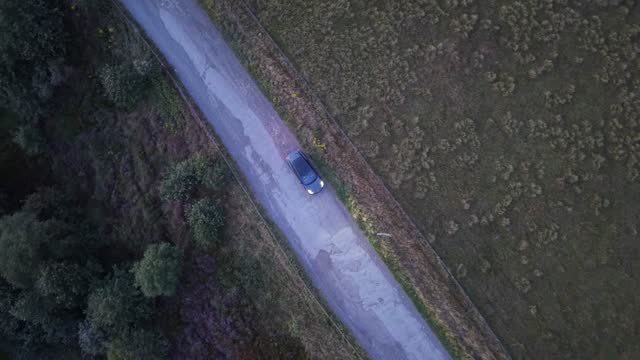 live
25:23
live
25:23
Kestrel
live2.4 Mbit/s
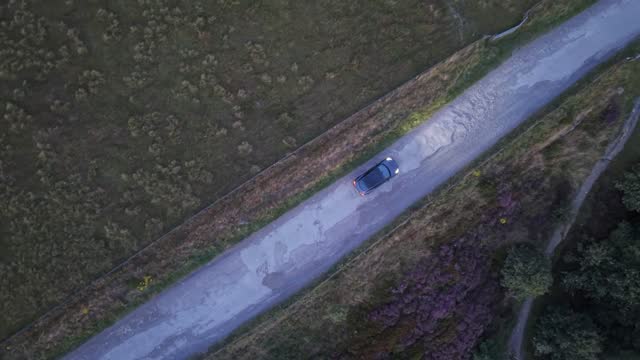 stalled
11:00
stalled
11:00
Osprey
stalledNo frames for 20s
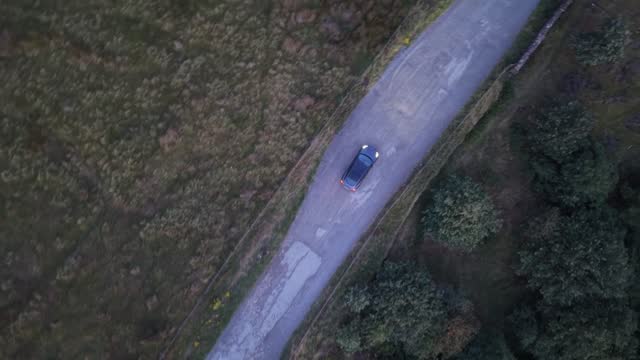 live
04:25
live
04:25
Merlin
live6.2 Mbit/s
Buzzard
offlineLast seen 2 hours ago
Kite
offlineLast seen 3 days ago
There is a working demo of this control centre
It opens in your browser with sample search and rescue footage, and you don't need an account. The feeds are recorded clips rather than live drones, but everything else behaves the way it does in service.
Free for non-profits
If you're a search and rescue team, this costs you nothing
Volunteer rescue teams, community response groups and registered charities run the organisation tier free of charge. It's the same control centre everyone else gets, with the same 100-drone allowance and the same rebroadcast and rewind. There's no trial period, and nothing is held back for a paid version.
The teams this was built for are mostly funded by raffles and donations. Charging them for the software would be an odd way to go about building something for search and rescue.
- Every feature of the organisation tier, with nothing held back.
- Up to 100 drones, pooled across every pilot on your team.
- We never ask for a card, so there's nothing to cancel later.
- Every application is read by hand, so tell us what your team does.
Status you can trust
When a feed freezes, the wall says so
A streaming server will hold a connection open long after a controller has stopped sending, which is how a feed ends up showing a still frame with a green light beside it. The control centre watches the data actually arriving from each drone, so a feed that has stopped gets flagged for attention rather than left looking healthy.
The live, attention and offline counts sit in the header beside a UTC clock, so what you write in the incident log matches what the wall said at the time.
Frames are arriving, and the tile shows uptime, bitrate and how many people are watching.
The connection is still open but the data has stopped, so the tile turns amber and counts towards attention.
Nothing is publishing, and the tile shows when that drone was last seen.
On the wall
Every feed at once
Every drone in the organisation gets its own live tile, however many crews are out. They all play at the same time rather than one at a time behind a drop-down.
Laptop to video wall
The grid reflows to whatever display it is on, so you get a few large tiles on a laptop in a van and a lot more across a control room screen. There's nothing to configure.
What's live comes first
Feeds that are up sort to the top of the wall, and that order is fixed when the page loads so tiles never shuffle under your cursor in the middle of an incident.
Fleet strip
Every drone appears as a colour-coded cell along the top, so the whole fleet stays in view even when the wall is long enough to scroll.
Telemetry per feed
Each tile carries how long that drone has been up, the bitrate it's delivering and how many people are watching it.
One tap to the full view
Opening a tile gives you the single-feed view, which uses sub-second WebRTC playback for the drone you need to watch properly.
Hand it over
Rebroadcast to emergency services
Your organisation gets one RTSP address to give out. You choose which drone it carries from the control centre and change that as the situation moves, while the people receiving it keep the same URL in VLC or their own system throughout.
Output
rtsp://mydronefeed.com:8554/org/…
Currently carrying Hawk 01, and you can change that whenever you need to.
Go back
Rewind without leaving the feed
Every feed keeps a rolling hour of footage, so when someone spots something you can jump back one, five or fifteen minutes and watch it again without leaving the page. The live view is still there when you're done, and older footage rolls off on its own.
Recording is switched on per feed and takes effect from the next broadcast.
Also included
CAA ID overlay
Your Operator and Flyer IDs can be captioned straight onto a feed. They're set once on the pilot's account, and the overlay is switched on per drone.
Big-screen links
Every drone has a short, permanent link that opens full-screen without a sign-in, which suits a vehicle dashboard or a display in the room.
Shared across the team
Pilots register drones on their own accounts, and every member of the organisation sees the whole fleet on the control centre.
- 100
- Drones per organisation, pooled across every pilot
- No limit
- On how long a flight can stream
- 60 min
- Rolling rewind buffer on every recorded feed
Set up your organisation
Organisation accounts are set up with us directly for the time being. Tell us about your team and we will get you a control centre, and if you're a non-profit it costs nothing.